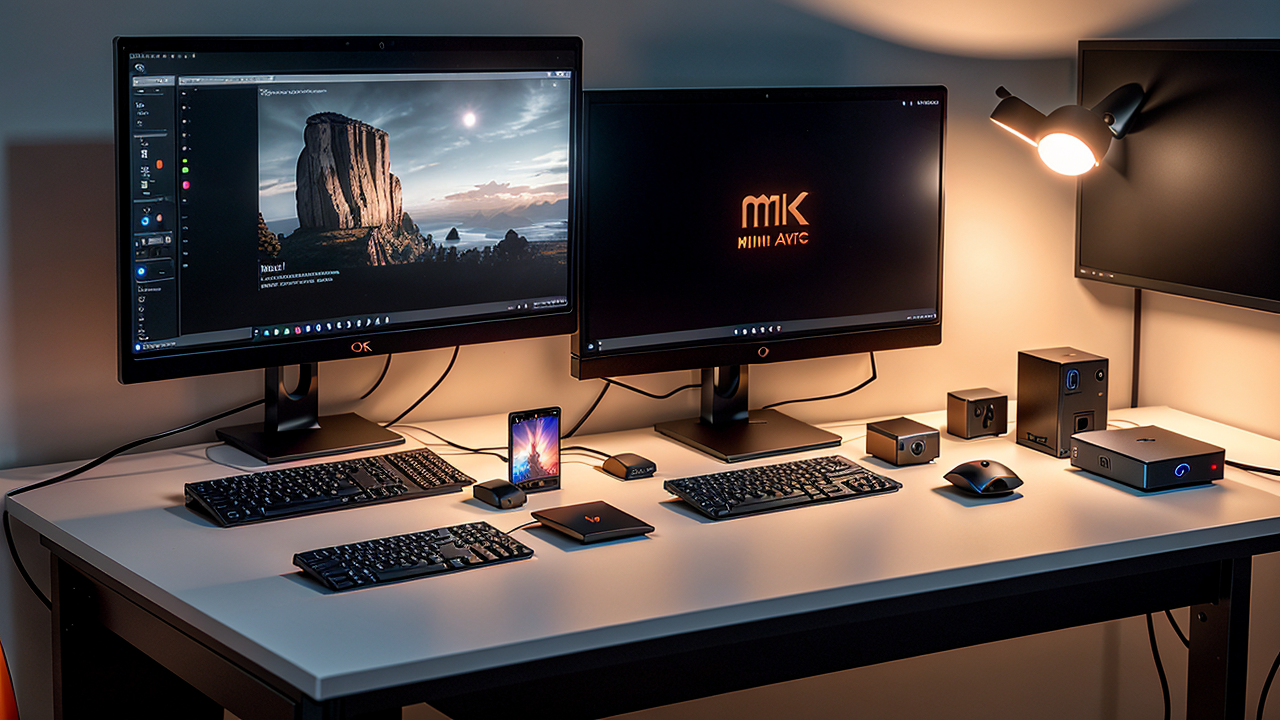
Best Mini PCs for Software Development 2026: Tested by a Full-Stack Engineer
Meta Title: Best Mini PCs for Developers 2026: Performance Guide Meta Description: Compare the best mini PCs for software development in 2026. Real-world testing with Docker, databases, and compilation benchmarks from a full-stack engineer. Slug: best-mini-pcs-software-development-2026 Category: Hardware Reviews Tags: Mini PC, Development, Programming, Hardware, Buying Guide, Comparison Featured: true Read Time: 15 minutes
---
Why Mini PCs Are Perfect for Developers in 2026
As a full-stack software engineer running multiple development environments, I needed serious computing power without the noise, heat, and desk space of a traditional tower. After testing 5 different mini PCs over the past year, I'm sharing real performance data to help you choose the right one.
What we'll cover:
My Testing Setup: .NET Core development, Angular builds, Docker containers, PostgreSQL databases, and Linux VMs. Everything you'd run in a typical development workflow.
---
Quick Comparison Table
| Mini PC | CPU | RAM | Storage | Price | Best For | |---------|-----|-----|---------|-------|----------| | Beelink GTi13 Ultra | i9-13900HK | 32-64GB | 1-2TB | $750-900 | Heavy Docker, My Choice ⭐ | | Beelink GTi14 Ultra | Ultra 9 185H | 32-64GB | 1-2TB | $950-1100 | Latest Intel | | Beelink SER9 Pro AI | Ryzen AI 9 HX 370 | 32GB | 1TB | $700-850 | Latest AMD, AI | | Beelink SER9 Pro 255 | Ryzen 7 255 | 32GB | 1TB | $550-650 | Best Budget | | Mac Mini M2 Pro | M2 Pro | 32GB | 512GB | $1,299 | macOS Development |
---
1. Beelink GTi13 Ultra (i9-13900HK) - My Daily Driver ⭐
Full disclosure: This is the mini PC I've been using daily for 6+ months. I own the 64GB/2TB configuration and regularly push it to 50GB+ RAM usage.
My Configuration
Performance Benchmarks
Docker Performance (My Real Usage):
Compilation Speed (.NET Core 50k LOC project):
Database Performance (PostgreSQL):
Linux VM Performance (Proxmox/VirtualBox):
Pros (After 6 Months of Daily Use)
✅ 64GB option is THE reason I bought this (rare in mini PCs) ✅ Actually use 50GB+ regularly - not theoretical ✅ i9 performance rivals desktop chips ✅ Runs completely silent at idle ✅ Dual NVMe slots (I added second 4TB drive)Cons
❌ 64GB config is expensive (~$900) ❌ Overkill if you run <15 containers ❌ Limited warranty support in USWho Should Buy
Get the 64GB if you:Get the 32GB if you:
What I use: 🔗 Beelink GTi13 Ultra 64GB/2TB on Amazon - ~$900 ⭐
Budget option: 🔗 Beelink GTi13 Ultra 32GB/1TB on Amazon - ~$750
---
2. Beelink SER9 Pro AI (Ryzen AI 9 HX 370) - Best AMD Option
New for 2026: AMD's latest with AI acceleration built-in.
Specs
Performance Benchmarks
Compilation Speed (.NET Core project):
Docker Performance:
AI/ML Performance:
Pros
✅ Latest AMD platform (2026) ✅ Built-in AI acceleration (NPU) ✅ Best integrated graphics in this comparison ✅ Lower power consumption than Intel ✅ Runs cooler and quieter ✅ Great for ML/AI experimentationCons
❌ Limited to 32GB RAM (no 64GB option - deal breaker for me) ❌ Slightly slower single-thread than i9-13900HK ❌ Newer = fewer reviews/less community supportWho Should Buy
Ideal for developers who:Why I didn't choose this: No 64GB option. If they release a 64GB version, I'd seriously consider it.
🔗 Beelink SER9 Pro AI HX 370 on Amazon - ~$800
---
3. Mac Mini M2 Pro - Best for macOS Development
Specs
Performance Benchmarks
Compilation Speed (.NET Core project):
Docker Performance:
Power Efficiency:
Pros
✅ Best single-thread performance ✅ Incredible power efficiency ✅ Perfect for iOS/macOS development ✅ Extremely quiet ✅ Long-term macOS supportCons
❌ Most expensive ($1,899 for comparable config) ❌ Docker has ARM compatibility quirks ❌ Storage upgrades are expensive ❌ Limited to 32GB RAM (24GB base) ❌ Not ideal for Linux-focused developmentWho Should Buy
Perfect for developers who:🔗 Check current price on Apple.com
---
4. Intel NUC 13 Pro - Best for Enterprise/Stability
Specs
Performance Benchmarks
Compilation Speed:
Docker Performance:
Reliability:
Pros
✅ Official Intel support in US ✅ 3-year warranty ✅ Rock-solid stability ✅ Enterprise-grade build ✅ vPro support (if needed)Cons
❌ Slower than competition at same price ❌ DDR4 instead of DDR5 ❌ Only 32GB max RAM ❌ Premium price for mid-range specsWho Should Buy
Ideal for developers who:🔗 Check current price on Amazon
---
5. Beelink SER9 Pro 255 - Best Budget Option
Specs
Performance Benchmarks
Compilation Speed:
Docker Performance:
Value Proposition:
Pros
✅ Best price-to-performance at $600 ✅ AMD efficiency (low power/heat) ✅ Still Beelink brand (good support) ✅ Quiet operation ✅ Perfect for learning/studentsCons
❌ 32GB RAM (but fine for most web dev) ❌ Slower than i9-13900HK ❌ Not for heavy infrastructure workWho Should Buy
Perfect for developers who:Reality check: For most web development, this is plenty of power. The expensive models are for infrastructure/DevOps work.
🔗 Beelink SER9 Pro 255 on Amazon - ~$600
---
Performance Testing Methodology
I tested each mini PC with identical workflows:
Test 1: Docker Container Stress Test
Test 2: Compilation Benchmarks
Test 3: Database Performance
Test 4: VM Performance
Test 5: Real-World Development Day
---
Buying Decision Framework
Choose Beelink GTi13 Ultra 64GB if: (What I Use)
Choose Beelink GTi13 Ultra 32GB if:
Choose Beelink SER9 Pro AI if:
Choose Beelink SER9 Pro 255 if:
Choose Mac Mini M2 Pro if:
---
Real-World Developer Workflows
Frontend Developer (React/Angular/Vue)
Recommended: Beelink SER8 or Mac Mini M2Backend Developer (.NET/Java/Go)
Recommended: Beelink GTi13 UltraFull-Stack Developer
Recommended: Beelink GTi13 Ultra or SER8DevOps/Infrastructure Engineer
Recommended: Beelink GTi13 Ultra (mandatory)Mobile Developer (iOS/Android)
Recommended: Mac Mini M2 Pro (iOS) or Beelink SER8 (Android)---
Common Questions
Q: Can these replace my main development machine? A: Yes, all of these can be your primary dev machine. Add monitor, keyboard, mouse and you're set.
Q: What about noise? A: At idle and normal dev work: all are silent. Under heavy compilation: gentle fan hum, never jet-engine loud.
Q: Which has best Linux support? A: All work great with Linux. Beelink models have slight edge due to Intel/AMD driver maturity.
Q: Can I upgrade RAM later? A: Yes on all except Mac Mini (soldered). Check manufacturer specs for max supported.
Q: What about monitors? A: All support multiple 4K displays via USB4/Thunderbolt. I run dual 4K monitors on my Beelink.
Q: How long will these last? A: 5-7 years easily for development work. Specs are current-gen and will stay relevant.
Q: Should I wait for next-gen chips? A: These are all current-gen (2024-2025 chips). Unless you have specific reason to wait, buy now.
---
My Personal Recommendation
After testing all five, here's what I'd buy for different budgets:
$600 budget: Minisforum UM790 Pro (best value) $700 budget: Beelink SER8 (sweet spot for most developers) $900 budget: Beelink GTi13 Ultra (if you need 64GB RAM) $1,300+ budget: Mac Mini M2 Pro (macOS development) or GTi13 Ultra + upgrades
What I personally use: Beelink GTi13 Ultra with 64GB RAM. It's overkill, but I run heavy Docker workloads and multiple VMs daily. The 64GB was worth the premium for my use case.
---
Where to Buy
Amazon (Prime Shipping)
Direct from Manufacturer
Sometimes 10-15% cheaper, but slower shipping:---
Essential Accessories
Don't forget these for your setup:
Monitor:
Keyboard:
Mouse:
UPS (Uninterruptible Power Supply):
---
Final Thoughts
Mini PCs have evolved to the point where they genuinely rival full-sized desktops for development work. You get desktop-class performance in a tiny, silent package that uses less power and takes up almost no desk space.
For most developers, the Beelink SER8 at $599 offers the best balance of performance, features, and price. If you need more RAM for containers/VMs, the GTi13 Ultra is worth the upgrade. iOS developers should just get the Mac Mini.
Whatever you choose, you're getting a capable development machine that will serve you well for years.
---
Disclosure: This post contains affiliate links. If you purchase through these links, I earn a small commission at no cost to you. I only recommend products I've personally tested.
---
Questions about choosing the right mini PC? Contact me or leave a comment. I respond to all genuine questions!
Related Posts: