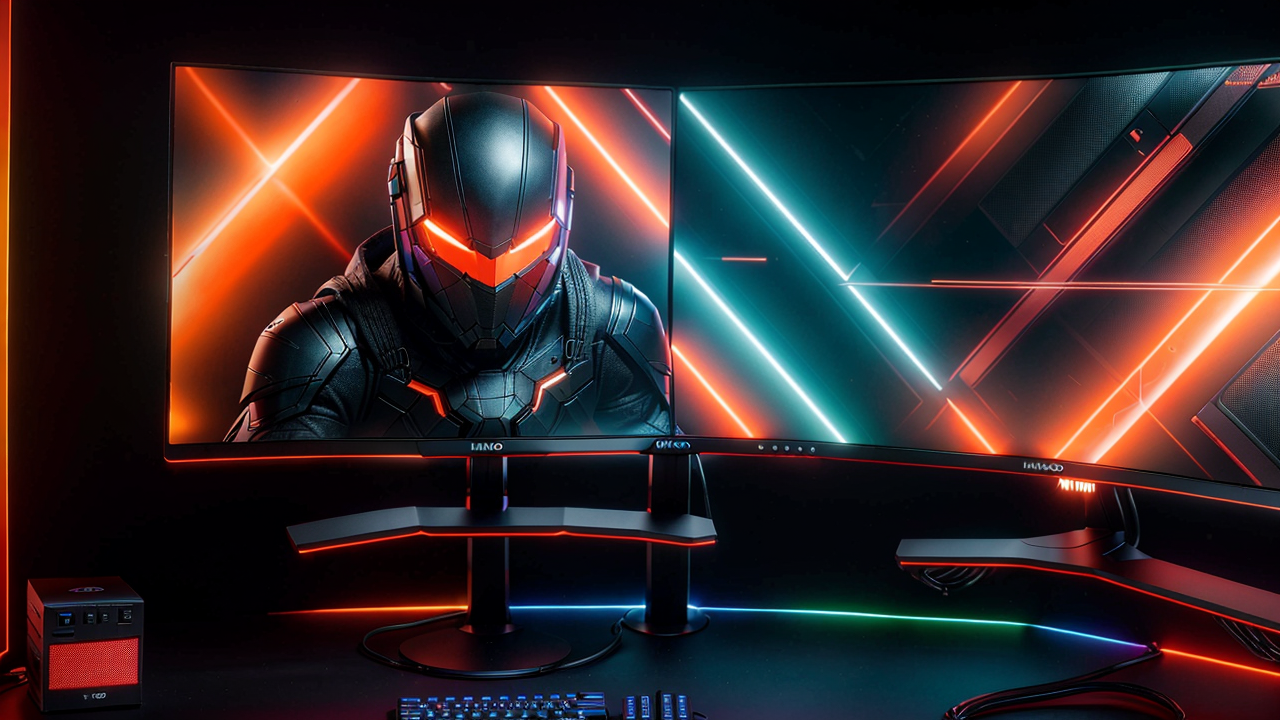
If you've been waiting for the right moment to upgrade your monitor, that moment is right now. OLED gaming monitor prices have dropped roughly 40% since they first hit the market, and Mini LED panels with hundreds of local dimming zones are now available for under $300. The excuses to wait have run out.
This guide covers four monitors across four price points — from a legitimately great $250 budget pick all the way to the best panel money can buy — so you can figure out exactly which one makes sense for you.
First, a Quick Primer on What Actually Matters
Before we get into specific picks, here's a plain-English breakdown of the key specs you'll see thrown around:
Resolution: 1440p (also called QHD or 2K) is the sweet spot in 2026. It's a massive upgrade over 1080p, runs well on mid-range GPUs, and makes text and images look noticeably sharper. 4K is stunning, but you'll need a powerful graphics card to push high frame rates at that resolution — more on that in the premium pick below.
Refresh rate: This is how many times per second your screen updates. For gaming, 144Hz is the baseline, 240Hz is ideal for fast-paced competitive games, and 480Hz exists if you play at a professional level. For most people, 165-240Hz is the sweet spot.
Panel type: IPS panels have great colors and wide viewing angles. Mini LED uses a grid of tiny LEDs behind the panel to produce deeper blacks and brighter highlights. OLED is a fundamentally different technology — each pixel produces its own light, resulting in perfect blacks, instant response times, and the best contrast ratio you can get on any display. The tradeoff used to be price; now it's much more reasonable.
Response time: Lower is better. OLED panels hit 0.03ms, which is essentially instantaneous. For most gaming, anything under 4ms is perfectly fine.
---
The Budget Pick: AOC Q27G3XMN — $250
The AOC Q27G3XMN is the monitor that kills every argument for buying a cheap 1080p panel. For around $250, you get a 27-inch 1440p display with a Mini LED backlight — and not just any Mini LED, but one with 336 local dimming zones, which means dramatically better contrast than a regular IPS screen.
The 180Hz refresh rate is more than enough for most games. The 1ms response time means no ghosting on fast-moving objects. DisplayHDR 1000 certification puts it in territory that $800 monitors occupied just two years ago. And it covers 137.5% of the sRGB color gamut, which means colors look vivid and accurate.
Who it's for: Anyone upgrading from a 1080p monitor, first-time PC gamers, or someone who wants a genuinely excellent screen without spending more than they have to. The AOC Q27G3XMN delivers features that were premium just two years ago at a price that's hard to argue with.
The honest catch: Mini LED is very good, but it's still not OLED. You'll occasionally notice a slight halo effect around very bright objects on very dark backgrounds (called blooming). It's subtle and most people never notice it during regular gaming sessions, but it's worth knowing about.
---
The Sweet Spot: LG 27GR83Q-B — $300
If you can stretch to $300, the LG 27GR83Q-B is where the value math gets really compelling. This is a 27-inch 1440p IPS panel running at 240Hz — that's the refresh rate competitive gamers actually care about — with a 1ms response time and support for both NVIDIA G-SYNC and AMD FreeSync Premium.
What does G-SYNC/FreeSync do? In short, it syncs your monitor's refresh rate to your GPU's frame output in real-time, eliminating screen tearing and stutter. If you've ever seen a horizontal line split across your screen during fast movement in a game, that's screen tearing — G-SYNC compatibility eliminates it entirely.
The LG 27GR83Q-B also has HDMI 2.1, which means it can take full advantage of next-gen consoles at high refresh rates — useful if you game on both PC and PlayStation 5 or Xbox.
Who it's for: PC gamers who play fast-paced games (shooters, racing, action games) and want 240Hz without paying OLED prices. Also ideal for console gamers who want a monitor that can do 120Hz via HDMI 2.1.
---
The OLED Value Pick: LG 27GX790A-B — $799
This is where things get genuinely exciting. The LG 27GX790A-B is a 27-inch 1440p OLED gaming monitor running at 480Hz with a 0.03ms response time. A year ago, a monitor with these specs would have cost over $1,000. Today it's $799 and regularly goes on sale.
The OLED difference isn't subtle. Blacks on this screen are genuinely black — not dark gray, not "pretty dark", but completely off. Colors are more saturated and accurate. Motion is butter-smooth in a way that's hard to describe until you see it. The 480Hz refresh rate is more than most people need, but it means you'll never, ever outgrow this monitor — even if you upgrade your GPU significantly.
The LG 27GX790A-B supports DisplayPort 2.1, covers 98.5% of the DCI-P3 color gamut (that's the standard used for cinema-quality color reproduction), and is certified for both NVIDIA G-SYNC and AMD FreeSync Premium Pro. It's also the monitor that professional esports players actually compete on.
Who it's for: Gamers who take their setup seriously and want a display they won't need to replace for the next 4-5 years. If you've ever sat in front of an OLED monitor and thought "I want that", this is the one to buy. The LG 27GX790A is the best pure value in the OLED gaming monitor market right now.
One thing to know about OLED: These panels can develop image retention (temporary ghosting of a static image) if you leave a static screen up for hours at a time — like a game HUD. Modern OLED monitors have built-in pixel shifting and cleaning features to handle this, and LG's implementation is solid. Just don't walk away with a pause menu on screen for four hours.
---
The No-Compromise Pick: ASUS ROG Swift OLED PG27UCDM — $1,099
If you have the budget and the GPU to match (we're talking RTX 5080 or RX 9070 XT territory), the ASUS ROG Swift OLED PG27UCDM is the best gaming monitor you can buy.
This is a 27-inch 4K (3840x2160) QD-OLED panel running at 240Hz with a 0.03ms response time. At 4K on a 27-inch screen, you get 166 pixels per inch — meaning text looks almost printed, game environments show detail you've never noticed before, and everything appears naturally crisp without needing antialiasing tricks.
The ASUS ROG Swift PG27UCDM uses a 4th-generation QD-OLED panel with a custom heatsink design that pushes brightness higher than previous OLED generations. It supports DisplayPort 2.1a UHBR20 — 80Gbps of bandwidth, enough for 4K at 240Hz without any compression. It also has Dolby Vision support, which very few gaming monitors offer.
Who it's for: Content creators who need accurate 4K color. Gamers with powerful rigs who want absolute image quality. People who use their monitor for both gaming and professional creative work. The ASUS ROG PG27UCDM is overkill for casual gaming, but if you're building a premium setup, it's worth every dollar.
---
Honorable Mention: Samsung Odyssey G7 G70D — $499
If you want 4K but can't justify the ASUS price tag, the Samsung Odyssey G7 G70D gives you a 27-inch 4K IPS panel at 144Hz with Smart TV features built in — including streaming apps, web browser, and Samsung's Game Bar interface. It's not OLED, but it's a solid IPS at 4K with HDR400 and both G-SYNC and FreeSync support. A good middle ground if you want 4K without the OLED premium.
---
The Verdict: What Should You Actually Buy?
Here's the honest recommendation broken down by situation:
One thing all four of these monitors share: they're all 27-inch panels, which remains the sweet spot for gaming. Big enough to feel immersive without being so large that you need to turn your head to track movement. At 1440p on 27 inches, pixel density is ideal for both gaming and everyday use.
Spring 2026 is genuinely a great time to buy. Prices are lower than they've ever been for this level of technology, and the mainstream OLED era has officially arrived.
---
Disclosure: This post contains affiliate links. If you purchase through these links, I may earn a small commission at no extra cost to you.