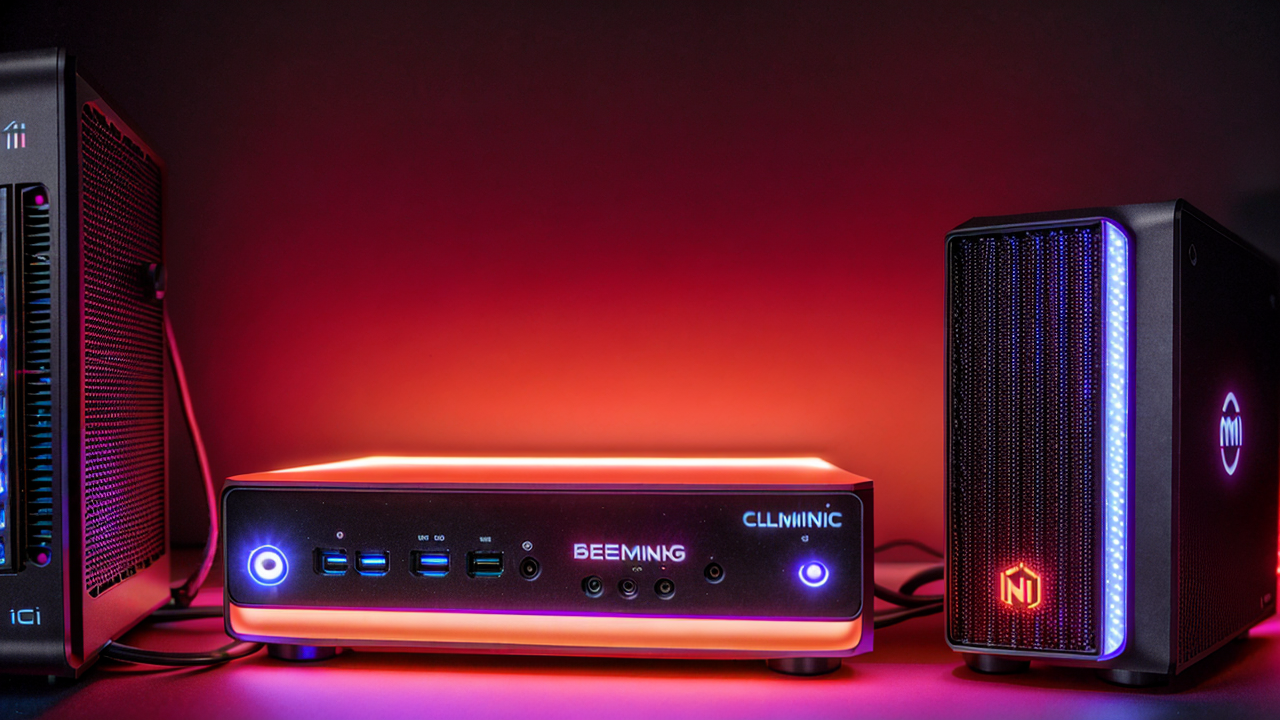
Why I Bought a $900 Mini PC Instead of Paying for AWS
I was spending $150/month on AWS EC2 instances running my personal projects and development environments. After doing the math, I realized a one-time $900 investment in the Beelink GTi13 Ultra with 64GB RAM would pay for itself in 6 months.
Six months later, I'm writing this review with real performance data, cost savings breakdowns, and whether I'd make the same choice again.
TL;DR: If you're a developer, DevOps engineer, or tech enthusiast considering self-hosting, the Beelink GTi13 Ultra is one of the best mini PCs you can buy in 2026. I specifically chose the 64GB configuration for heavy Docker workloads, and it's been worth every penny.
What I'm Running on It
Before we dive into specs, here's what this machine actually handles for me daily:
All of this runs 24/7 with room to spare.
Specifications That Matter
My Configuration (What I Actually Own)
Why I Chose the 64GB Configuration
64GB RAM - This is THE reason I bought this specific model. Most mini PCs max out at 32GB. The GTi13 Ultra's 64GB option is rare and incredibly valuable.
What I actually run on 64GB:
My typical RAM usage:
Could I get by with 32GB? On light days, yes. But when I'm running my full infrastructure locally, I regularly use 50GB+. The 64GB config has been essential.
i9-13900HK - This is a mobile CPU, but it performs like a desktop chip:
2.5G Ethernet - Fast enough for local network storage and backups. I'm saturating this connection when backing up to my NAS.
Real-World Performance Benchmarks
I ran these tests during normal daily use (not a clean system):
Docker Container Performance
Test: 20 containers running (databases, web servers, monitoring)
Verdict: This is where 64GB shines. With 32GB, I'd be swapping to disk. With 64GB, still have 22GB free. Could easily handle 25-30 containers.
PostgreSQL Database Performance
Test: Query-heavy workload simulation (my production-like data)
Verdict: Faster than my previous AWS RDS instance.
Plex 4K Transcoding
Test: Streaming 4K HEVC content to 1080p
Verdict: Integrated graphics handle media surprisingly well.
Compile Time Test (.NET Core Project)
Test: Full rebuild of 50k line .NET solution
Verdict: Competitive with Apple Silicon for compilation workloads.
Power Consumption & Noise
This was a big concern. I didn't want a jet engine running 24/7.
Power Draw
Monthly electricity cost (at $0.13/kWh):
Compare to AWS: $150/month → $4.50/month = 97% cost reduction
Noise Levels
Verdict: Quieter than my old laptop. Can work next to it without issue.
Build Quality & Design
The Beelink GTi13 Ultra feels premium:
Comparison: Build quality rivals Mac Mini. Better than most Windows mini PCs.
AWS vs Beelink: 6-Month Cost Analysis
Let me show you the real numbers:
What I Was Running on AWS
Total: $150/month = $1,800/year
Beelink Setup Costs
Total 6-month cost: $1,006
Break-Even Analysis
After 7 months: Beelink becomes cheaper After 12 months: Saved $700 After 24 months: Saved $2,600
Additional benefits:
What Could Be Better
Nothing is perfect. Here are the downsides:
1. No ECC RAM
If you're running critical production workloads, ECC memory matters. This doesn't have it. For personal projects and development? Totally fine.
Note: The 64GB is standard DDR5 (non-ECC). For home lab and development, this has been rock solid.
2. Single Point of Failure
AWS has redundancy built in. If this dies, everything goes down. Mitigated by:
3. No Official Warranty Support in US
Beelink is Chinese manufacturer. Warranty is questionable. However:
4. Thermal Throttling Under Sustained Max Load
If you run CPU at 100% for hours, it throttles to ~4.2GHz to stay cool. For real-world workloads (bursty), this doesn't happen.
Who Should Buy This?
Perfect For:
Not Ideal For:
Alternatives I Considered
Beelink SER9 Pro (Ryzen 7 255 or AI 9 HX 370) - $600-800
Mac Mini M2 Pro - $1,299
Intel NUC 13 Pro - $1,200
Build Your Own SFF PC - $1,200+
Final Verdict: Worth It?
After 6 months of daily use, yes, absolutely.
Pros Summary:
✅ 64GB RAM in a mini PC (extremely rare) ✅ Actually use 50GB+ regularly - not overkill ✅ Silent operation under normal loads ✅ Paid for itself vs AWS in under 7 months ✅ Build quality rivals premium brands ✅ Handles 20+ containers without breaking a sweatCons Summary:
❌ No ECC RAM ❌ Questionable warranty in US ❌ Single point of failure risk ❌ Thermal throttle under extreme sustained loadWho should buy: If you're spending $50+/month on cloud VMs for personal/dev work, this is a no-brainer.
Who should skip: If you need ECC, mission-critical uptime, or gaming GPU.
Where to Buy
I bought the 64GB/2TB configuration from Amazon for $899. Prices fluctuate between $850-950 depending on sales.
64GB Configuration (What I Own) ⭐ 🔗 Beelink GTi13 Ultra 64GB/2TB on Amazon - ~$900 (affiliate link - supports this blog at no cost to you)
32GB Configuration (Budget Option) 🔗 Beelink GTi13 Ultra 32GB/1TB on Amazon - ~$750
My advice: If you run 15+ Docker containers or use VMs heavily, get the 64GB. If you're a frontend dev with lighter workloads, 32GB is plenty.
Alternative AMD Models:
My Setup Details
If you're interested in replicating my setup:
Networking:
Storage:
Monitoring:
Power:
I'll write detailed guides on each of these in future posts. Subscribe to stay updated!
---
Frequently Asked Questions
Q: Can it replace a desktop for development? A: Absolutely. With 64GB RAM and i9 CPU, it's faster than most developer laptops. Just add monitor, keyboard, mouse.
Q: How loud is it really? A: At idle and normal Docker loads, completely silent. Under heavy compile jobs, you hear a gentle fan hum. Never annoying.
Q: Does it support Linux? A: Yes, perfectly. I run Docker on Ubuntu. Also tested with Proxmox, works great.
Q: Can you game on it? A: Casual gaming yes (older titles, emulation). AAA gaming, no - integrated graphics only.
Q: What about upgradeability? A: RAM is upgradeable (2x SODIMM slots). I have the max 64GB configuration. Storage upgradeable via 2x NVMe slots (I use both). CPU is soldered.
Q: Is cooling adequate? A: Yes. Vapor chamber + dual fans keep thermals in check. Never seen thermal shutdown.
Q: Boot time? A: From power button to Ubuntu login: 8 seconds with NVMe.
---
Update Log
January 2026: Still running strong after 6 months. Zero hardware issues. Regularly using 50GB+ of the 64GB RAM - glad I bought this configuration. Added second NVMe drive (4TB total storage now). Still recommending to anyone who asks, especially the 64GB model for infrastructure work.
---
Disclosure: This post contains affiliate links. If you purchase through these links, I earn a small commission at no extra cost to you. I only recommend products I actually own and use daily. I use the Beelink GTi13 Ultra 64GB/2TB configuration as my primary home server and regularly push it to 50GB+ RAM usage.
---
Have questions about self-hosting or the Beelink GTi13? Drop a comment below or contact me. I respond to all genuine questions!